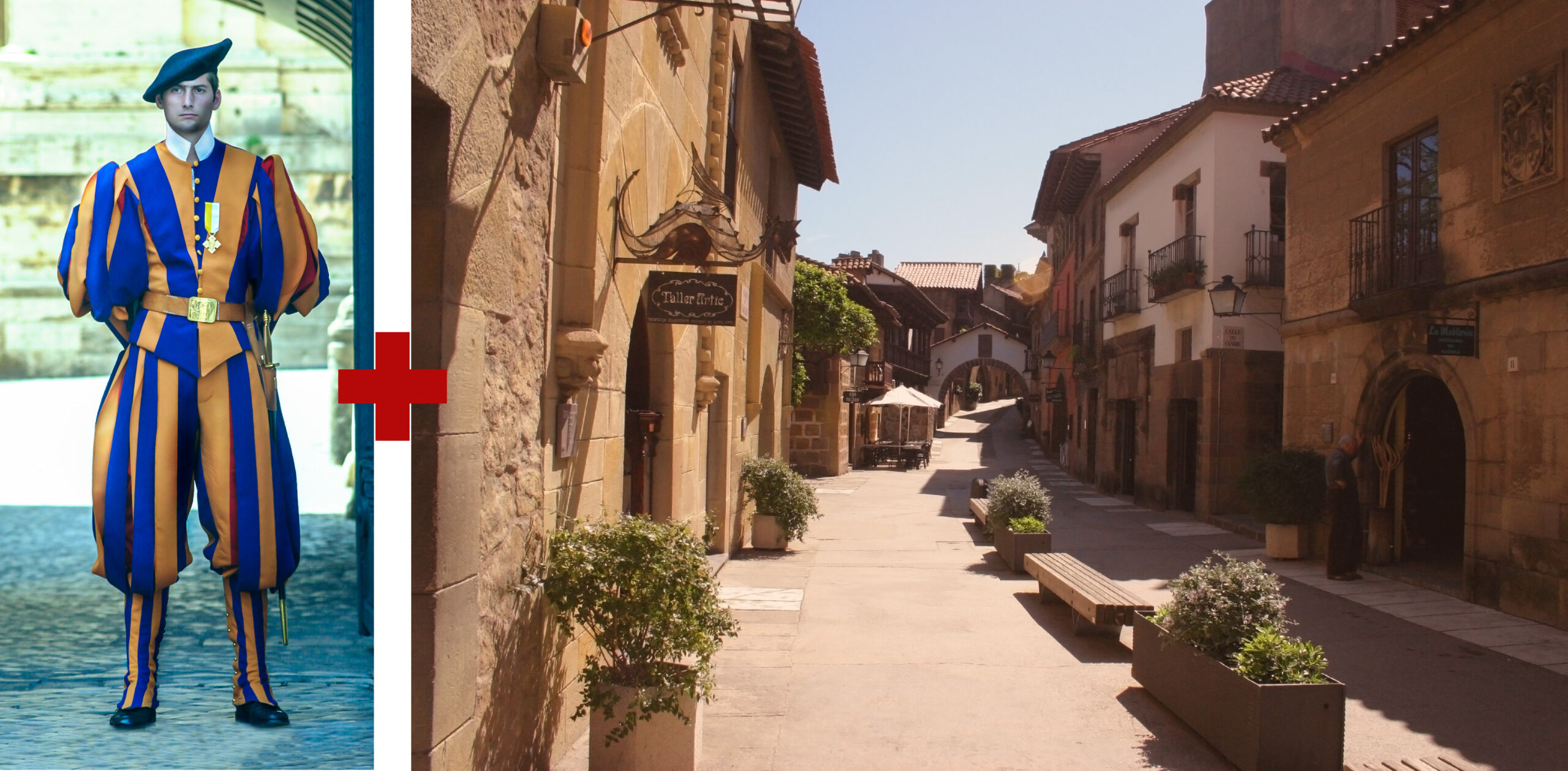
In a society the size of ours there are going to be a fair number who 'know their stuff' and this is indeed the case. So it is hardly surprising that we could put together an evening of demonstrations on various image editing techniques. I say 'we', but I have to say I actually had nothing to with setting it up so I use the 'we' in a royal context ... ! Jon Knight has to be credited with pulling it all together and cajoling our five volunteers (for Jon is also one of the demonstrators) into giving a 15 minute (ish) talk on - well, how they edited their selected image.
We were treated to an image stacking technique which created an image with (relatively) even lighting from outside to inside a house through open doors.
Taking a rather mundane picture (apologies to the author! - well it was submitted to our Creative Genius contest with a view to it being 'altered') and creating an image with a bit more 'punch'.
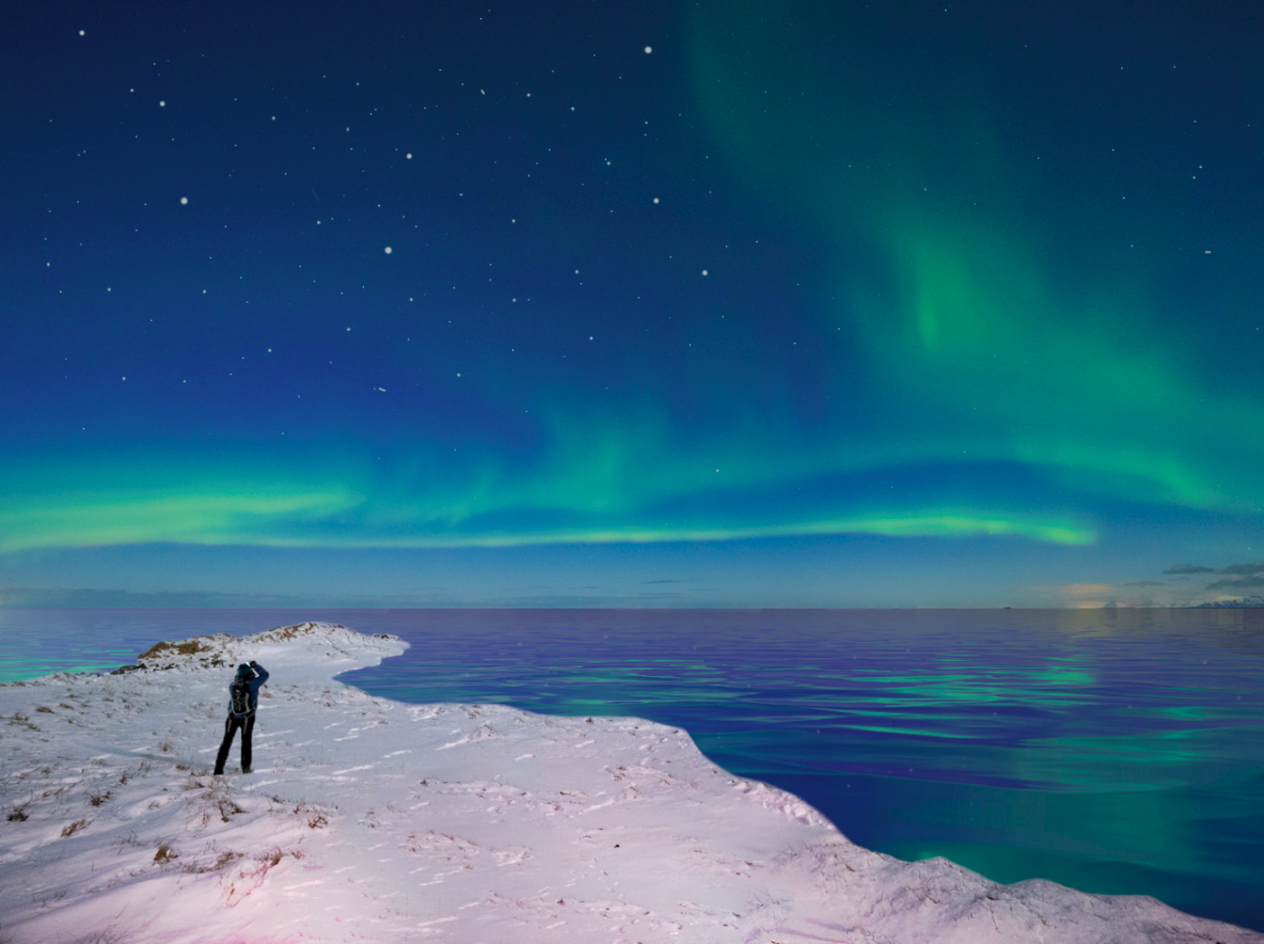
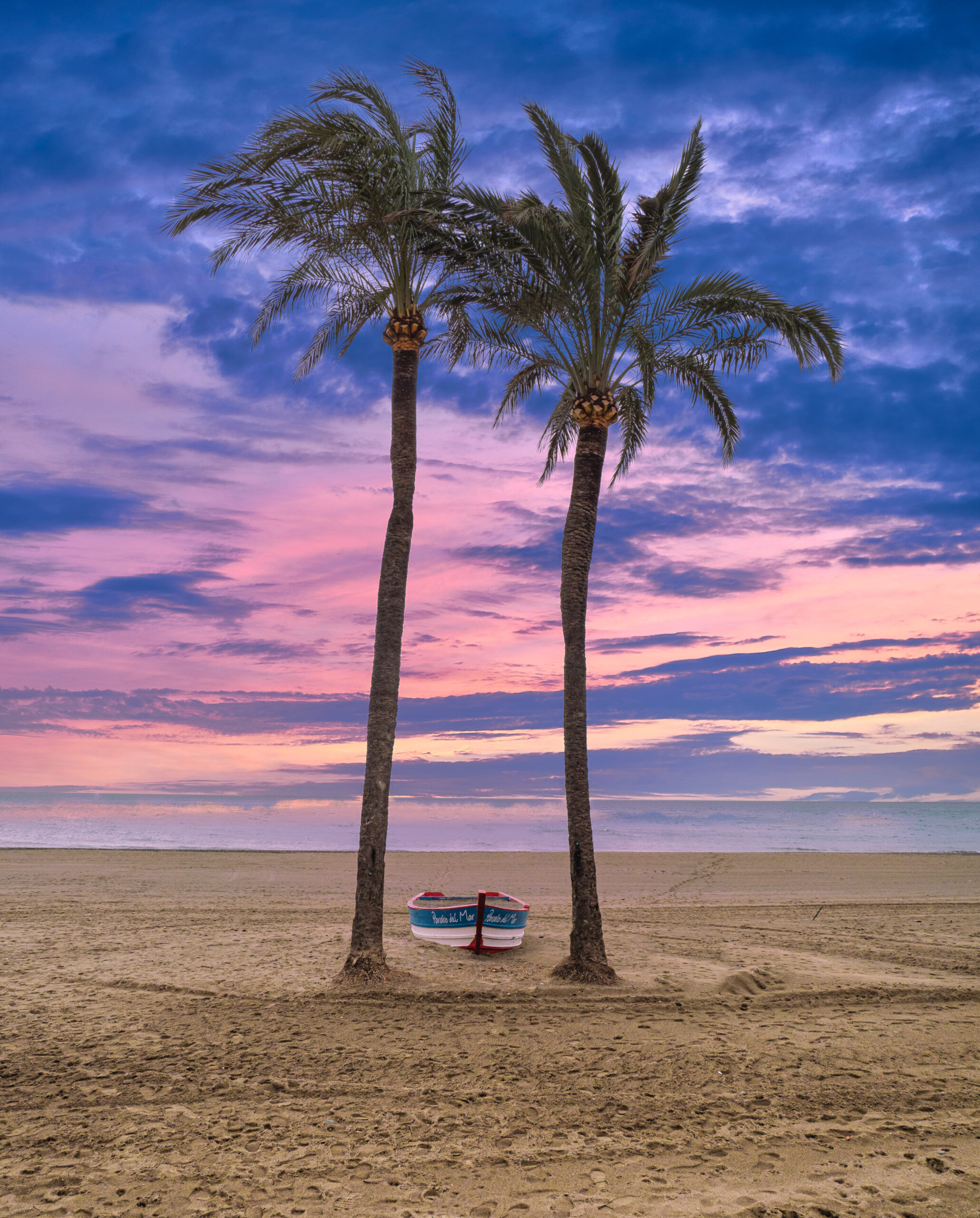
Using Luminar 4 as a plugin to Photoshop which allows a dull sky to be changed (quite literally) into something far more in keeping with the location.
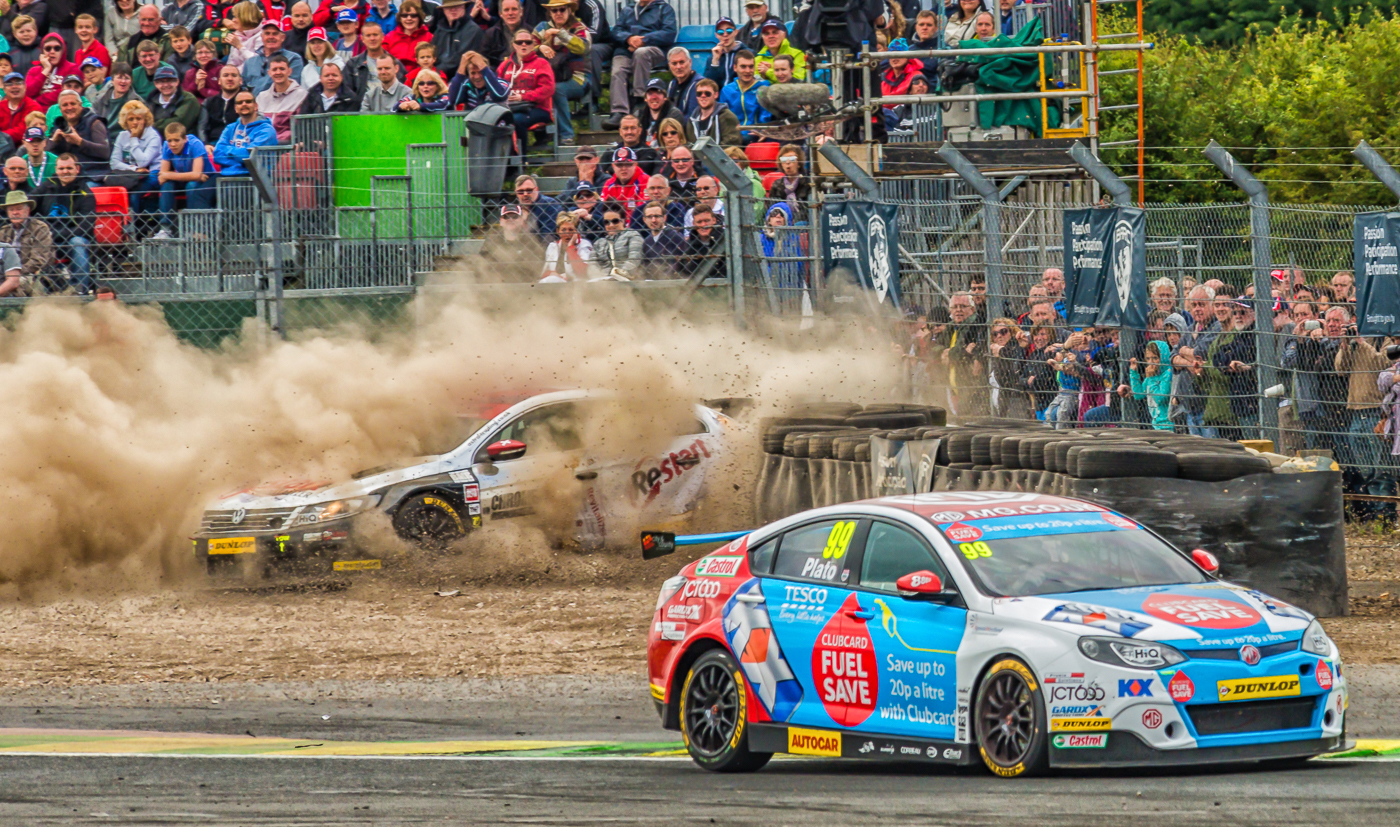
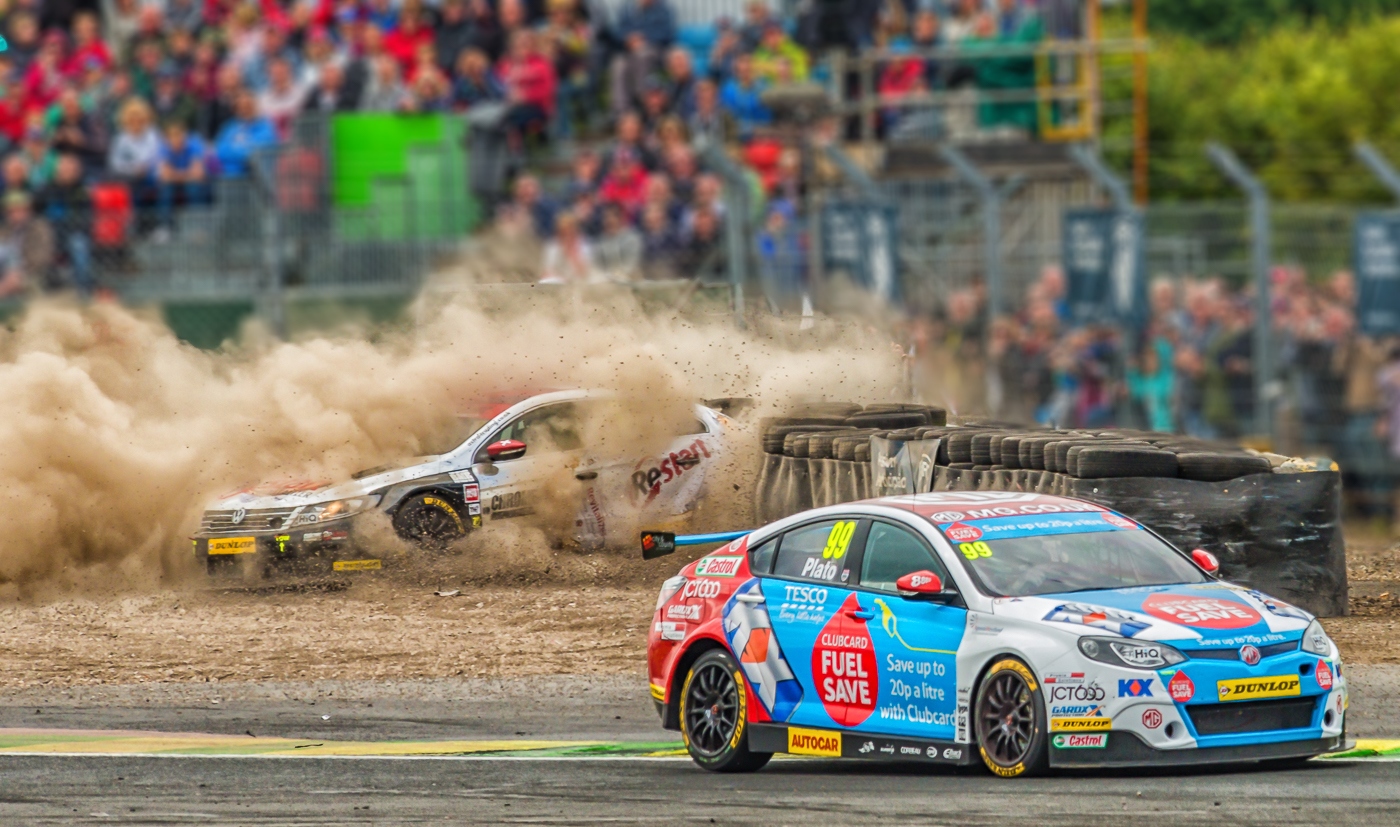
How to blur a background to produce a more 'judge friendly' image.
An example of 'altered reality' by taking a Vatican Swiss Guard out of his comfort zone and planting him in an alternate, equally Italian, location.
And finally what to consider when enhancing a portrait.
While the bulk of these examples used Adobe Photoshop, I'm sure with a little effort the techniques could be learnt with other editing software. In fact I tried the background blur using Affinity Photo and found it quite easy even if it was a bit fiddley - but that was down to my image of choice. I'm sure if I had picked a similar image to the example shown I would have been able to convince a judge the blur was deliberate - always of course hoping they didn't look too closely ... !
Luminar 4 seemed to cope well with changing the sky so now even the dullest of days can be turned into the brightest and sunniest of days! So we will never again believe that that beautiful sky was actually there at the time the main image was taken ... ???
The same could be said for altering the reality - were all those elements present at the same time or were they just brought together to create the final image? Even if 40 layers were used in Photoshop - well not 40 for this particular image but another one by Jon.
Did the portrait subject really have perfect skin or was their hair all just in the right place?
Don't get me wrong, I'm not a purest and I have been guilty (if you can call it that ... ) of manipulating to varying degrees to suit my eye.
I suppose it all depends on how you view the art form that is photography. It is perfectly okay for a painter to omit articles from their canvas and judiciously add them as they see fit so why not a photographer - both are making images so it is down to the image maker to decide how much work needs to be put in to creating the desired effect.
The way image editing software is going it is becoming increasingly easy to manipulate and create an effect that produces a picture which is potentially more pleasing to look at than the original un-doctored image. It comes down to what pleases the individual. To draw a parallel with the painted are form, do you prefer oils or water colour? Do you prefer classicism or impressionism? There are so many different styles, there is something for everyone. And so it is with photography - and has been back down through its almost 200 year history.
Thanks go to Malcolm Sales, Andrew Wainwright, Wendy Stanton, Nigel Essery, Jon Knight and Jezz Richings for taking the time to put together their presentations and demonstrating their techniques.
11 October 2020.